One of the things that has intrigued me with HSMWorks is the idea that if an update to a problem was done why not just get it into user hands? Why wait for some point in time where a “major” update would be done and roll the accumulated fixes in at that time? Perhaps for most companies it is just convenient to have a few updates per year. But HSM took the idea that customers have value a bit more seriously and they have for years maintained a regular update regimen.
Take 2015 for instance. Solid Works 2015 was released on 9-9-14 and on 10-9-14 HSMWorks 2015 was released. The update history since then will be a bit of a shock to many CAM customers. Regarding the poor souls waiting for a working version of CAMWorks for Solid Edge ST7 for the last 33 weeks it will be quite sobering to see how a real CAM company works. The CAMWorks people might want to have a look too as there are still major problems with their 2015 release if the forum comments are anything to go by.
Check this out. 35 Development Version updates to HSMWorks 2015 to date. Go there and count them yourself and read some of the update release notes. http://cam.autodesk.com/download/hsmworks/ This same capability is going to occur with I-HSM although probably not with quite the same degree of regularity for now. The idea that your CAM vendor actually cares ought to be a part of the equation when you make your choice to buy. Or when as in my case I leave CAMWorks for Solid Edge in utter disgust looking for a CAM author that gives a flip if I succeed and make money expeditiously. In my observation over the last three plus years the release/update philosophy at HSM has been consistent both before and after the Autodesk buyout. I don’t think it was by serendipitous whim HSM was acquired first by Carl Bass to initiate his manufacturing ecosystem steam roller. I think he saw value and made it his before it had any chance of going away.
On a side note here. If you have followed me for some time you know my negative opinion of the cloud for CAM or CAD. It is impossible for me and tons of others due to all that lovely infrastructure these cloud wonders can’t control. (We wont talk about cloud insecurity today hehe.) My downloads get about 80 KBS at best and the 2016 Inventor Pro HSM download will take at least 14 hours for me. Autodesk has a download updater thingy that installs with your program that really excited me at one time. I was seeing 300 to 400+ KBS and that was so huge I could not believe my eyes. I thought wow, maybe Autodesk has solved some major throughput problems here. But the sad reality soon ended my brief reconsideration of cloud throughput when I discovered that somehow the download would break and break and break. After starting over numerous times I just gave up trying for anything of significant size.
Can you imagine the insanity for many of us that cloud backups of complete systems or large files represent? I get a big kick out of the wonderful sounding cloud bliss places like Carbonite extol with complete easy simple secure and FAST backups. At 130+GB useage on my C drive with my capacity of 80 KBS it would take 451 hours to do a system image presuming uploads were as “fast” as downloads. Sorry guys, not ready for prime time and probably won’t be in the next ten years or so if ever. Yes the internet will get faster but even faster than that will be the increased data amounts the average person will generate every year.
Behind every cloud though there is a ray of sunshine and it shines brightly on your autonomous permanent seat of software on your very own desktop PC and your $120 one time purchase 5GB backup hard drive. Buy two and have your very own redundancy just like the big guys do and finish your system backups in less than an hour. I can find something to do while my backup runs for an hour but 451 hours seems a tad excessive to me to have to find other things to do. Know what I mean Vern 🙂
In any case though the 2016 goodies are finally here and you can’t go wrong checking it out if you are not already on board. I will also say this. If you are fleeing a bad situation with a CAM product that has failed you and you can prove this you might be surprised at what you could work out with HSM towards getting a program that DOES work. Talk to an HSM VAR and see what might be possible. It has been my personal experience that these people want you as customers and also want you to be a successful customer.

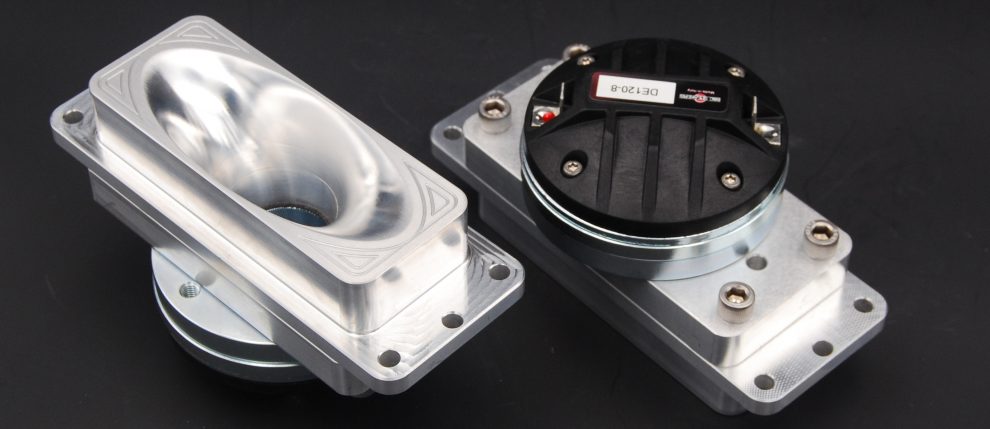
 Machined Audio Horn Lens